

September 10, 2026 — Quality control on receipts and transfers, integration filter
Changes since September 4.
Quality control on receipts and transfers
Section titled “Quality control on receipts and transfers”A quality control can now start three ways: from a purchase order, from a goods receipt, or from a transfer. Every control used to hang off an order, so goods that arrived on an internal receipt, came back from a complaint, or returned from production had nothing to hang an inspection on.
Documents attach in both directions. An order can be added to a control raised on a receipt, and a receipt can be added to a control that began from the order alone.
The inspection itself covers three levels: the order line, the document position, and the individual identifier. A position nobody split into identifiers is the inspected goods in its own right.
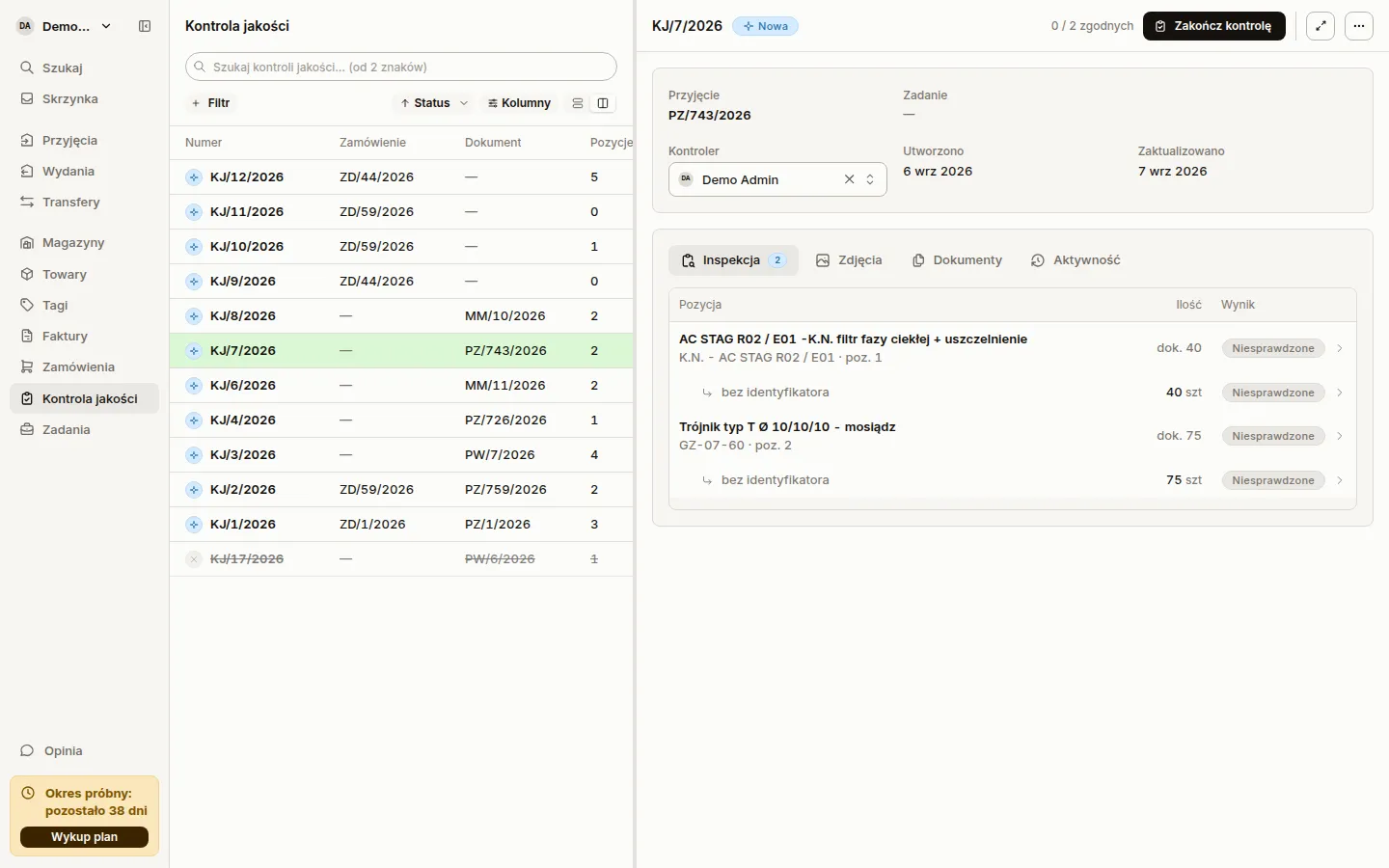
Controls listed on the document
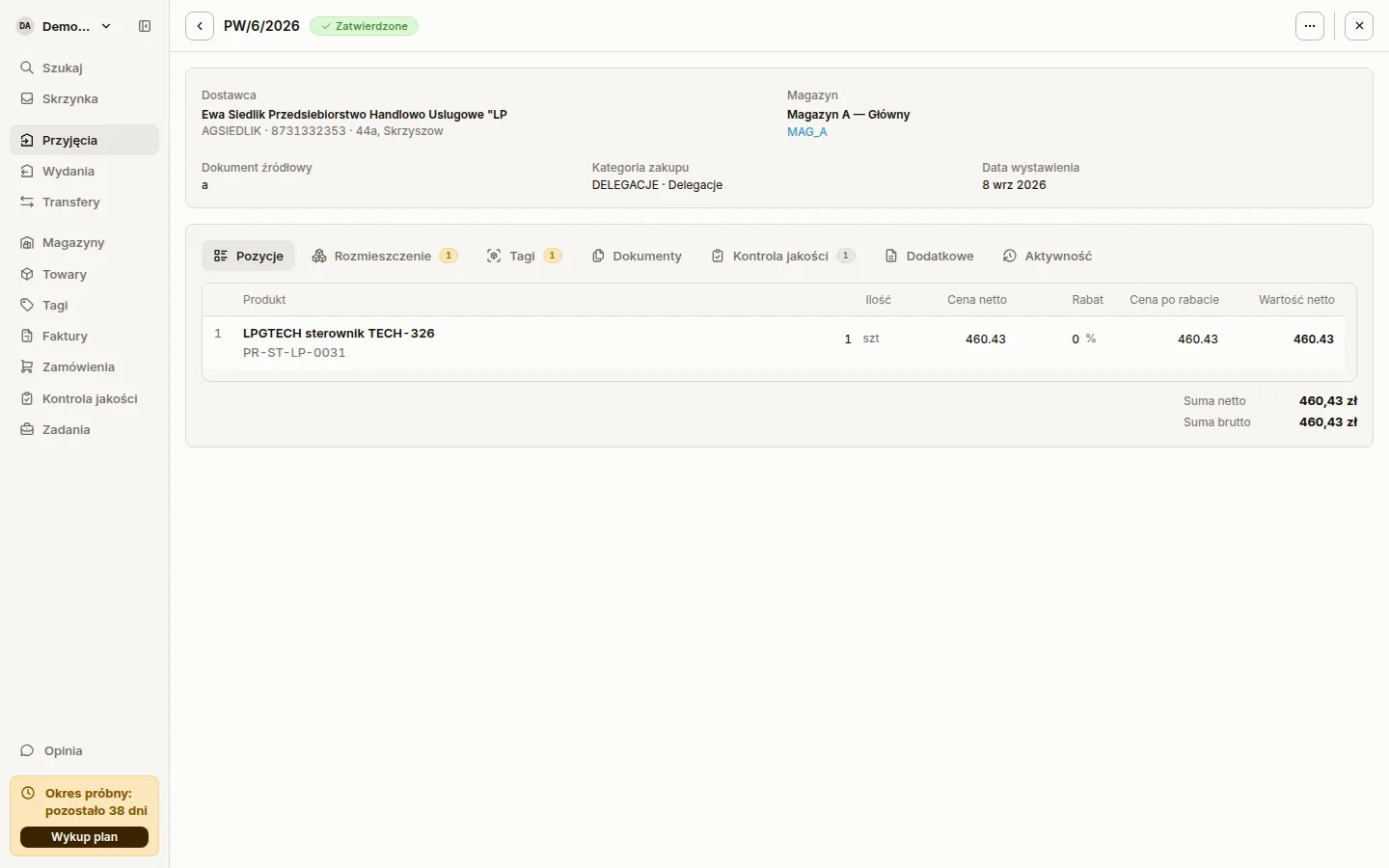
Section titled “Controls listed on the document”The Quality control tab on a receipt, transfer or purchase order now looks like the Documents tab. Each control is a row with its status, the tally of compliant positions, the inspector, the creation date and an actions menu. The count beside the tab label turns red or amber when any control holds non-compliant positions or ones needing clarification.
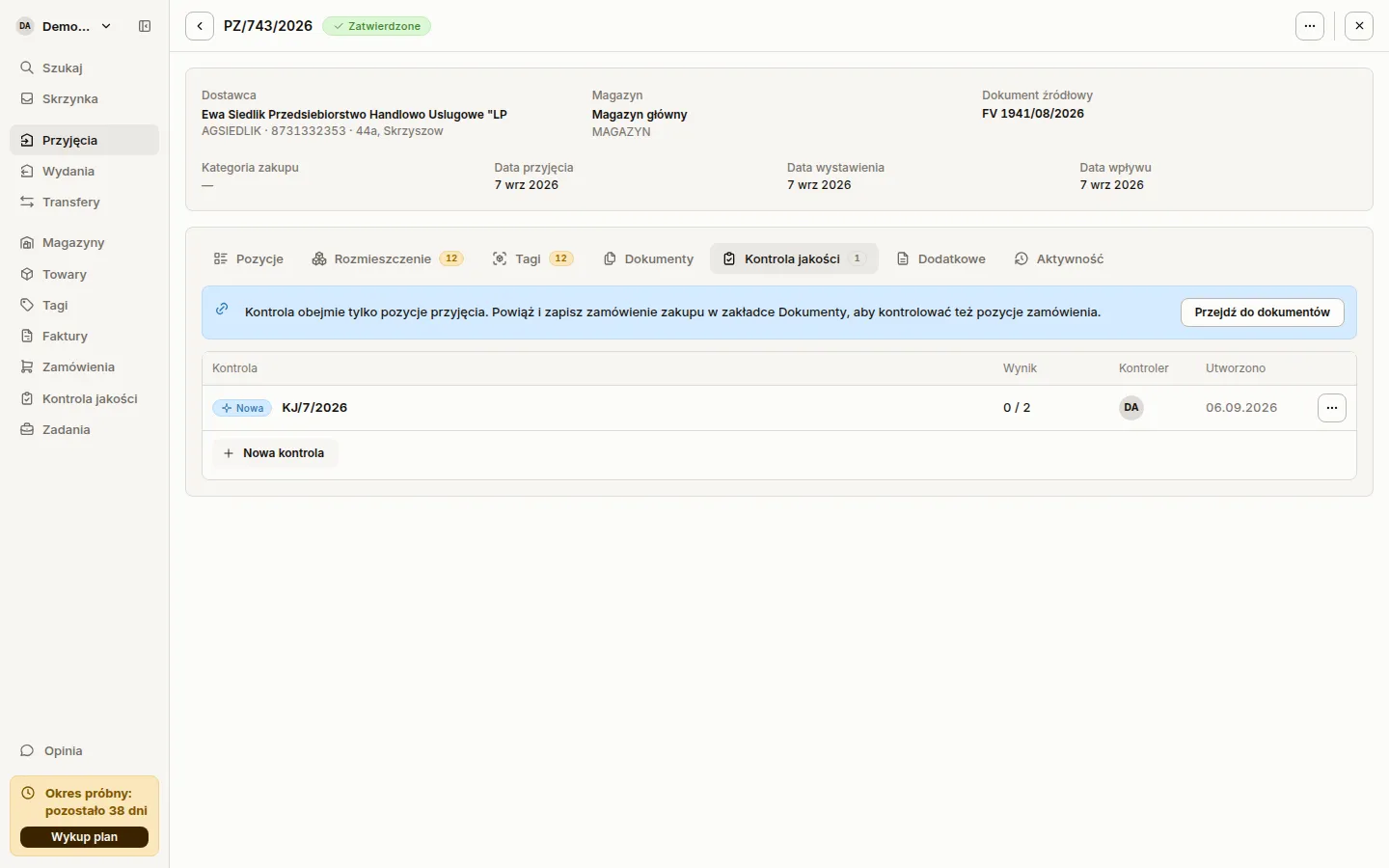
Filtering by integration
Section titled “Filtering by integration”An account with more than one connected integration can narrow any list to a single one. The Integration filter shows up on goods receipts, issues, transfers, products, warehouses, counterparties, invoices and purchase orders. Accounts with one integration see nothing new.
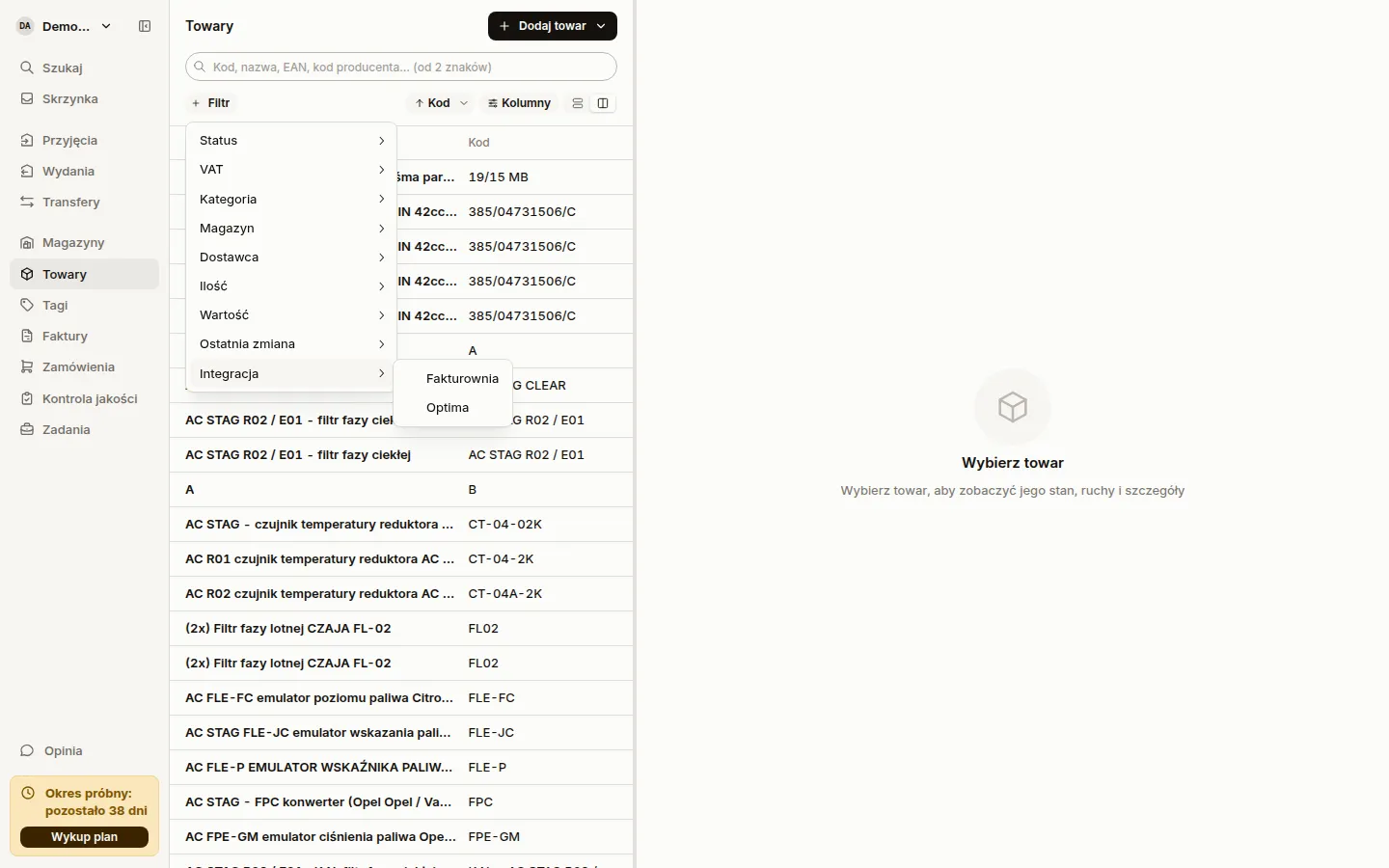
More readable receipt lines
Section titled “More readable receipt lines”Product names and codes wrap instead of truncating, so the full name stays visible even with the matching panel open. The Confirm and Change buttons now line up with the price columns, and the match-status badges sit under the product code, aligned on every row.
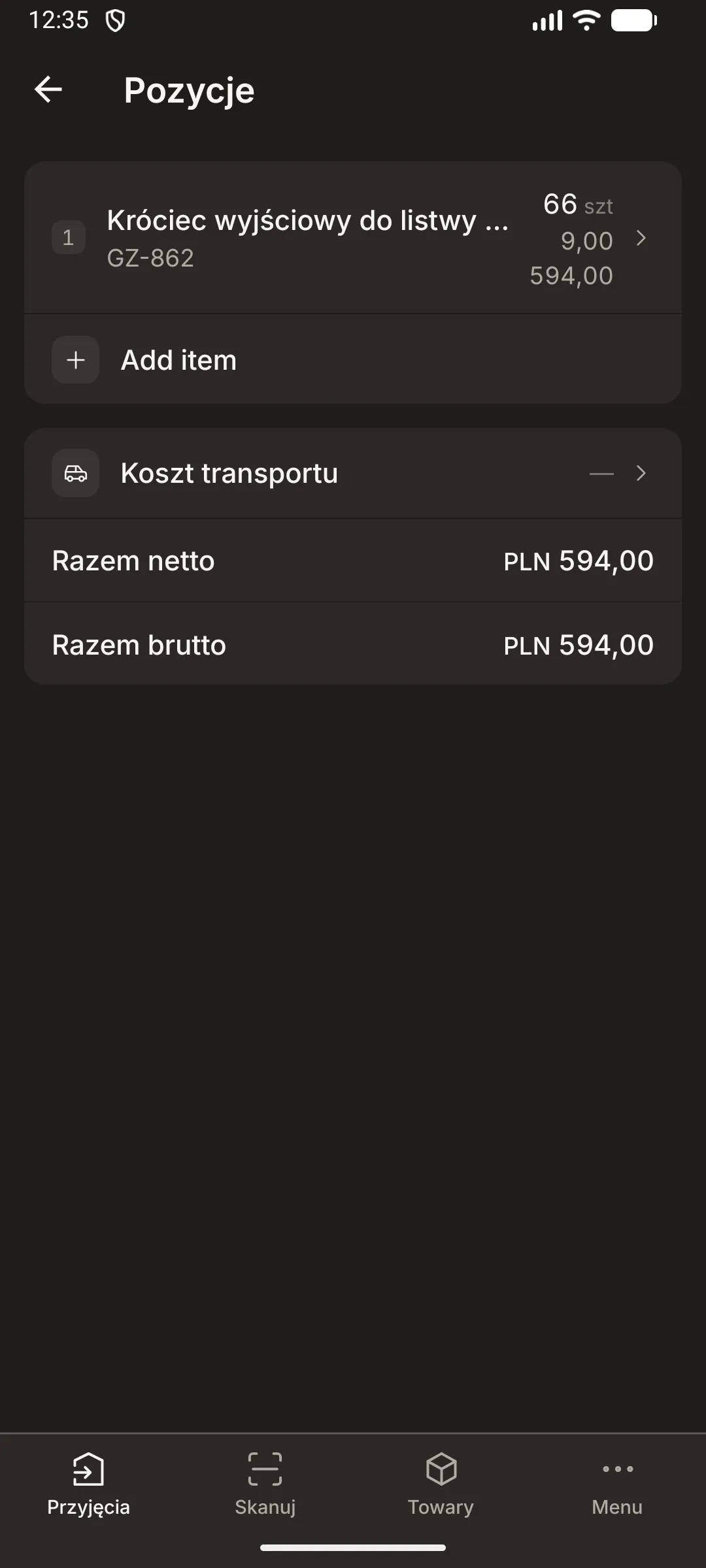
On the phone, the items footer shows a gross total beside the net one, computed per line VAT rate and taking the supplier’s transaction kind into account.
One date on an internal receipt
Section titled “One date on an internal receipt”An internal receipt now carries a single date field instead of three, exactly like the form in Optima. Sancho used to write a separate operation date, which the Optima form cannot display. Optima wiped it the first time anyone edited the date there, silently redating the delivery batch along with the FIFO order. An external receipt keeps its three independent dates.
New startup screen on mobile
Section titled “New startup screen on mobile”The app starts on a light green background with an animated Sancho mark that cross-fades into the login screen or straight into the app. The login screen picked up the same background, a dark wordmark and more readable fields.

Faster document opening
Section titled “Faster document opening”The detail panel for a receipt, issue or transfer opens faster, most noticeably on documents with dozens of lines. The print sheet is now built at the moment you print. The browser used to build it every time a document opened, including for documents nobody meant to print. Sancho also fetches the document once instead of twice.
Printing works as before: the Print button, Ctrl+P, and the browser’s own print menu entry.
Document recognition
Section titled “Document recognition”Matching a scanned line to the product catalogue now weighs individual words in the name rather than the similarity of whole strings. A word containing a digit counts double, because it is usually the one that settles which product this is. A DN 50 pipe will no longer suggest a DN 100 one. A product that holds stock gets a small lift in the ranking, but never manufactures a match on its own.
Sancho re-reads a document refiled in the DMS under the right order, and the order shows the items from the current file. A file first attached to the wrong order used to stay with it for good.
Fakturownia
Section titled “Fakturownia”Adding a product to a receipt, issue or transfer seeds the price from the product’s own card: the sale price on an issue, the purchase price on a receipt or transfer. The price used to come out as zero, because Fakturownia keeps no price lists in the shape Sancho was looking for.
A counterparty card now carries its role and its category. The role picker offers buyer and supplier, the two Fakturownia knows, instead of the full five-role list from Optima.
Under the hood
Section titled “Under the hood”- Committing an internal receipt no longer ends with Optima rolling the save back.
- The Comarch Optima connection comes back after a server restart and after a dropped link, with no connections left hanging in the background.
- Attachments up to 30 MB pass through the integrations; larger files used to bounce off the broker limit.
- Integration credentials no longer reach the logs at the most verbose logging level.
- Document search sorts newest first instead of by document number.
- Self-hosted installs accept a 24-character OCR key; the old 32-character floor rejected a secret the recognition service had already issued.