

Fakturownia — configuration
The Fakturownia integration runs entirely on the Sancho side — you install nothing on your own server and open no ports. Sancho connects to https://<subdomain>.fakturownia.pl over HTTPS, authenticating with an API token issued in your Fakturownia account.
What the integration covers
Section titled “What the integration covers”| Area | Scope |
|---|---|
| Warehouses | read, create, edit, delete |
| Products | read, create, edit |
| Counterparties | read, create, edit |
| Receipts (PZ, PW) | read, create, edit, delete |
| Issues (WZ, RW) | read, create, edit, delete |
| Transfers (MM) | read, create, edit, delete |
| Invoices | read-only |
What you need
Section titled “What you need”-
Subdomain. The part of the address before
.fakturownia.pl— forhttps://mycompany.fakturownia.plthe subdomain ismycompany. -
API token. In Fakturownia: Settings → Account settings → Integration → API authorization code. The token carries the permissions of the account that issued it, so use an account with access to warehouses and warehouse documents.
Adding the integration in Sancho
Section titled “Adding the integration in Sancho”-
In settings, go to Workspace → Integrations and click Add integration.
-
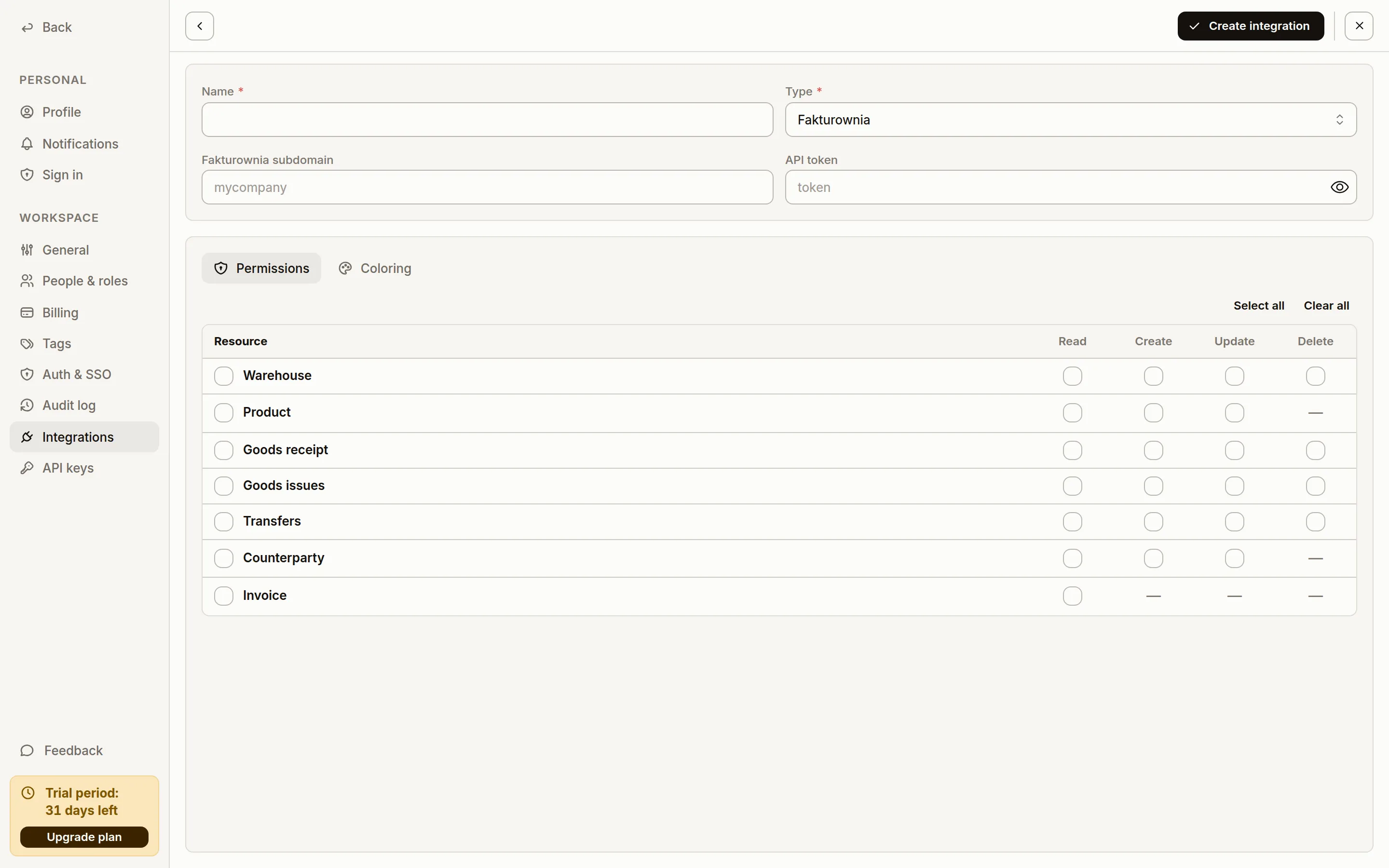
Fill in the header: Name (free text, shown on document lists), Type —
Fakturownia, Fakturownia subdomain and API token. The type drives the rest of the form — each ERP has its own set of fields.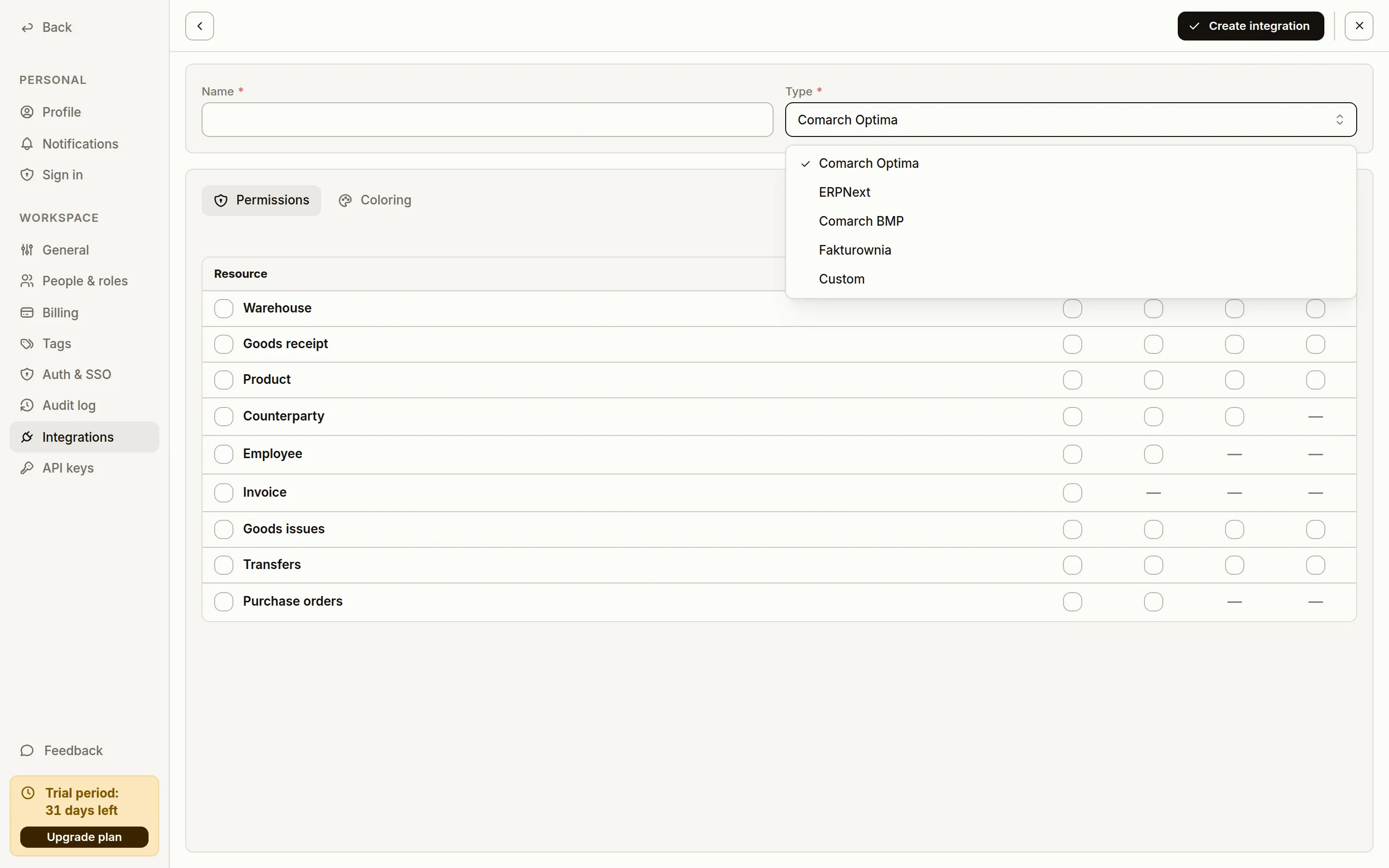
-
On the Permissions tab, select the scopes the integration may use. A scope is a capability declaration — Sancho only offers operations the integration has a scope for, so clearing document writes hides the buttons that save to Fakturownia.
-
Save with Create integration. Sancho checks the connection straight away and records its status.
Verifying
Section titled “Verifying”On the Integrations list, the Status column shows the result of the last connection check. After a successful save:
- the Warehouses, Products and Counterparties lists show Fakturownia data,
- the Invoices list shows Fakturownia invoices, which cannot be edited,
- a new receipt, issue or transfer is written as a Fakturownia warehouse document.
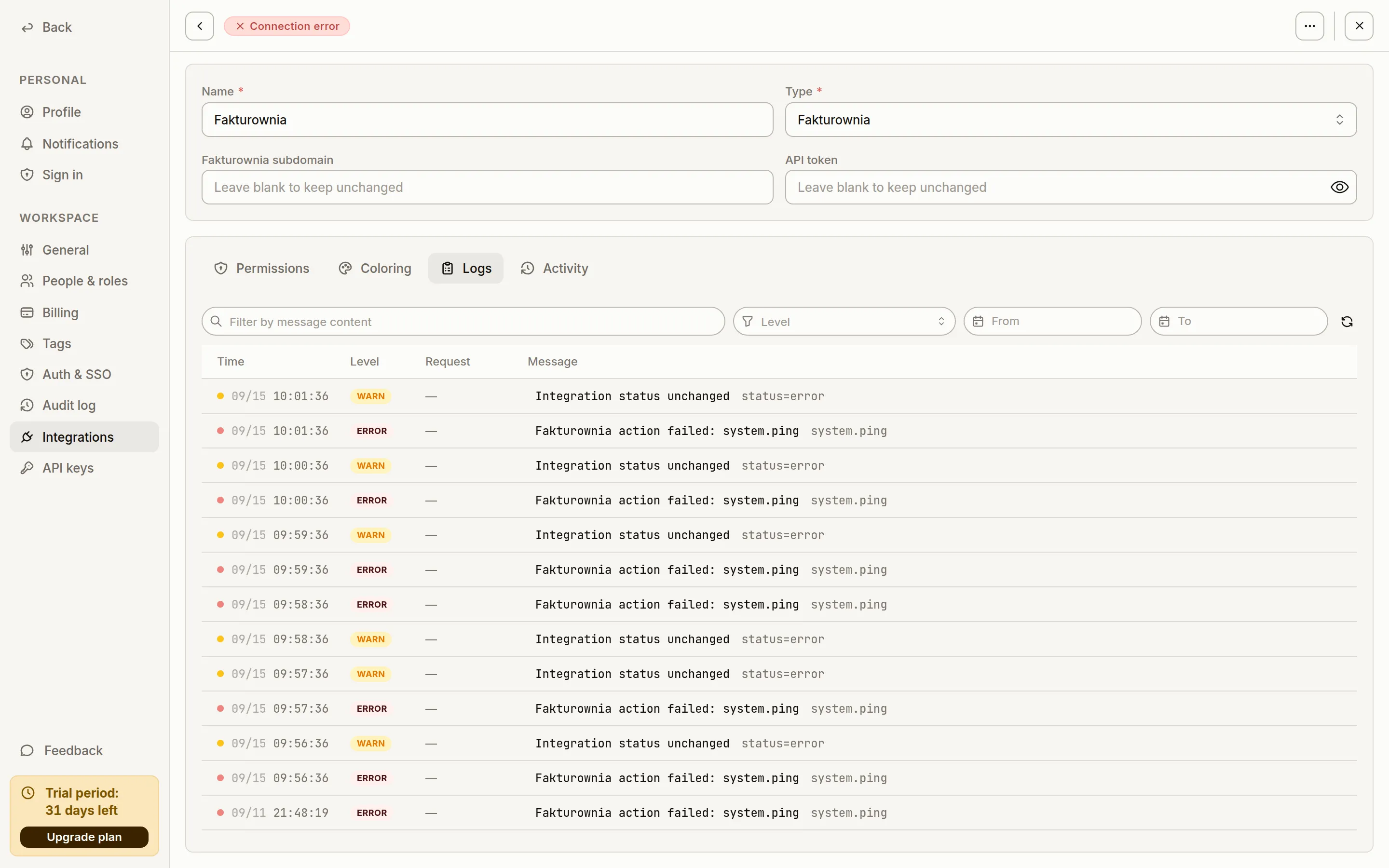
The Logs tab on the integration card holds the call history — the first place to look when a list is empty or a save failed. An error from Fakturownia reaches Sancho with its original wording.
Below is an integration with a bad token: the header carries a Connection error badge and a failed system.ping lands in the log every minute. The credential fields read Leave blank to keep unchanged — type a value only when you mean to overwrite it.
Common problems
Section titled “Common problems”| Symptom | Cause |
|---|---|
| Connection status red right after saving | Wrong subdomain or token; check the account address in Fakturownia and reissue the token |
| Lists empty despite a healthy status | The account that issued the token has no access to warehouse data |
| Product price is zero on a document | The product has no purchase or sale price on its Fakturownia card — Sancho takes the price from the product card, not from a price list |
| No save button on a document | The integration has no write scope on the Permissions tab |