

September 11, 2026 — Handheld scanner on documents, reopening a quality control
Changes since September 10.
Handheld scanner on documents
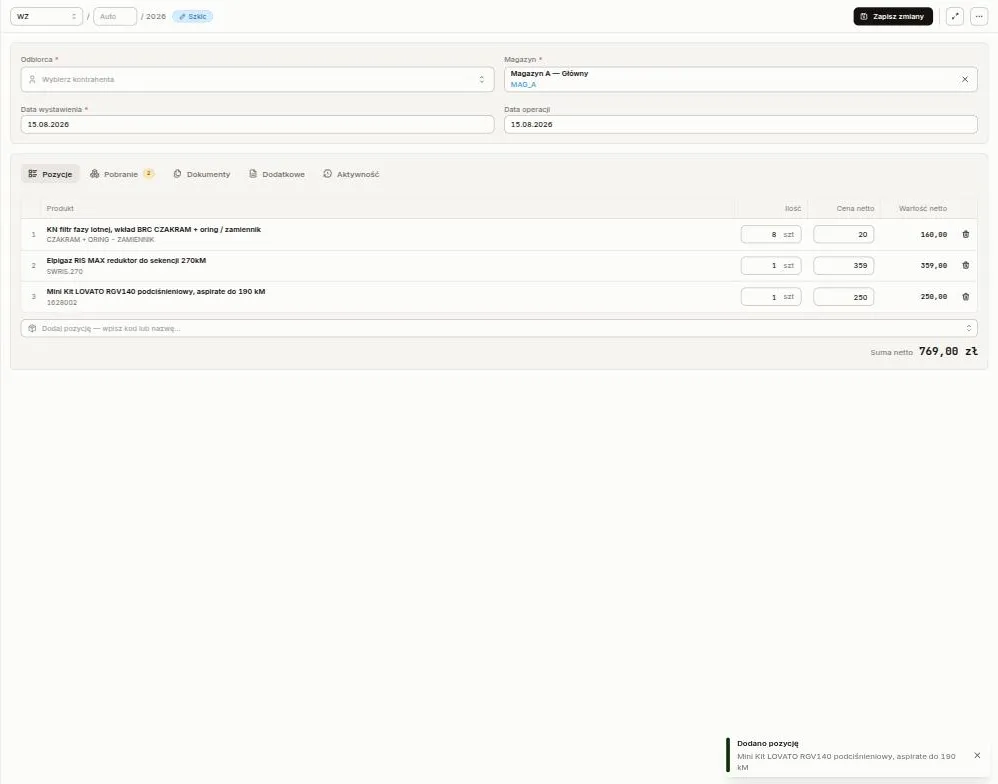
Section titled “Handheld scanner on documents”With a goods issue, internal issue, transfer or receipt open for editing, scan a product tag (QR or NFC) or an EAN barcode with a handheld scanner. Sancho adds the product to the lines and confirms with Line item added. Scanning the same product again adds one more piece to its line.
A storage location label, an unknown code or a product from another integration shows a message and changes nothing. A committed document ignores scans.
Reopening a quality control
Section titled “Reopening a quality control”A completed or cancelled control can be reopened with Reopen in its actions menu. It goes back to In progress and keeps its checks, verdicts, inspector and attachments. Only the sign-off goes, because someone has to give it again after the corrections. The Activity tab records the reopen, and the people involved in the control get a notification.
A position split, while creating a control, into nothing but blank rows without an identifier now saves as a single position carrying the summed quantity.
Product photos save with the product
Section titled “Product photos save with the product”Product photos now save with the same Save button as the rest of the form. On the phone, an added photo waits for the save the way an attached document does, and leaving without saving asks about unsaved changes. A photo used to land on the product straight away, outside the form.
When two people edit the same product, Sancho refuses the second save even if only the photos changed. If the ERP accepts the product but the photos fail to save, the product still saves and Sancho shows a warning. The product’s Activity tab lists added and removed photos.
Pinned user role
Section titled “Pinned user role”Accounts that sign in through Nextcloud can assign roles from groups. An administrator can now pin a person’s role by ticking Pin role in the change-role dialog. From then on, neither sign-in nor the periodic group sync overwrites it. The checkbox only appears when group role assignment is switched on.
The Users list marks a pinned role with a pin icon and now shows the most recently changed accounts first.
Mobile app updates
Section titled “Mobile app updates”The app also checks for updates when it comes back from the background, at most once every 15 minutes. It used to check only on a full start, and a warehouse phone rarely gets one.
A downloaded update is offered right away. Later hides the prompt for a minute, and it keeps coming back until someone picks Restart. If the store has a newer version waiting, only the store prompt appears, not both back to back.
Employee on an internal issue
Section titled “Employee on an internal issue”An internal goods issue made out to an employee shows their first name and surname. Sancho used to read the surname alone from Optima. The printout labels the field Employee instead of Counterparty.
Under the hood
Section titled “Under the hood”- Opening a document or product that no longer exists in Optima or Fakturownia reports it as missing instead of failing with a server error.
- The integration log keeps the last 60 days of entries. Sancho prunes older ones nightly.
- The last column in lists no longer gets clipped at the right edge.